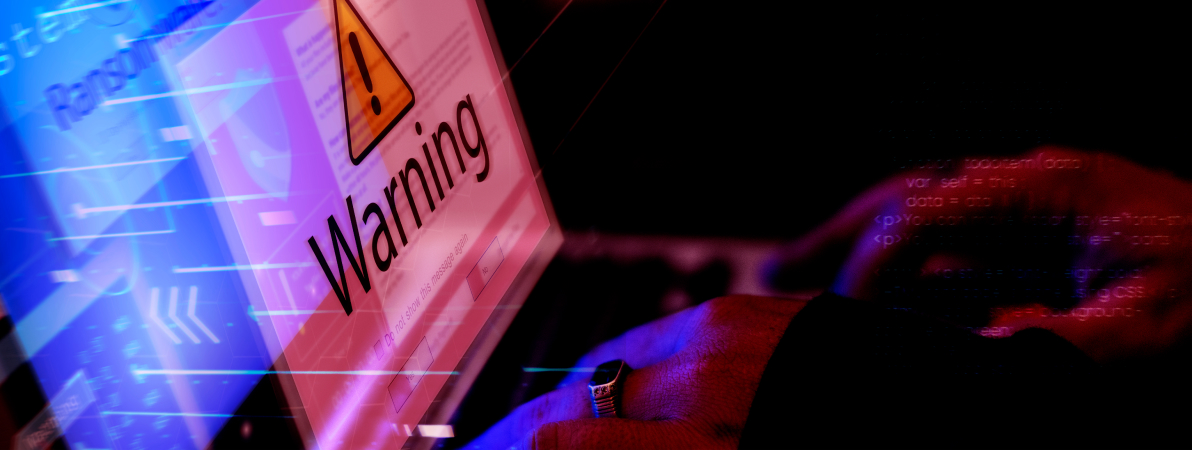
Are you worried about ransomware?

Resources to help you

Kay Services - 1st Choice for IT Solutions

Over 25 years working in IT services. We fulfil IT management and protect organisations from evolving cyber threats. Our goal is to give you peace of mind and the confidence to focus on your primary company operations.

© 2026 Copyrights by Kay Services. All Rights Reserved.

The Top 10 Cybersecurity Threats Facing Businesses Today: A Simple Guide

10 mins
June 20, 2024
In today's digital world, businesses of all sizes are constantly under threat from cyberattacks. These attacks can cause significant disruptions, steal valuable data, and damage a company's reputation. Understanding these threats and how to protect against them is crucial. Let's break down the top 10:

The Top 10 Cybersecurity Threats Facing Businesses Today: A Simple Guide

1. Phishing Scams:

  • What it is: : Phishing is like digital bait. Scammers send emails or messages that look like they're from trusted sources (like your bank). The goal is to trick you into clicking a link or sharing personal information.
  • Example: : Imagine getting an email that seems to be from your bank, warning you of suspicious activity on your account. You click the link to "verify" yourself, but it's a fake website designed to steal your login details.
  • How to protect yourself: Be cautious of unexpected emails, especially those asking for personal information. Hover over links to see the actual URL before clicking.

2. Ransomware Attacks:

  • What it is: Ransomware is malicious software that locks your files or systems. The attackers demand payment (usually in cryptocurrency) to unlock them.
  • Example:A hospital in the UK had its systems locked by ransomware. This disrupted patient care, and they were forced to pay a hefty ransom to regain access.
  • How to protect yourself:: Regularly back up your data so you can restore it if attacked. Keep your software up-to-date and use strong passwords.

3. Malware Infections:

  • What it is: Malware is like a digital virus. It's designed to harm your computer, steal data, or spy on you.
  • Example: Malware disguised as a software update could infect your computer, causing it to crash or allowing hackers to access your files.
  • How to protect yourself: Use reliable antivirus software and be careful about downloading files from unknown sources.

4. Data Breaches:

  • What it is: This is when hackers gain unauthorized access to sensitive information.
  • Example:A major retailer had millions of customer credit card details stolen due to a security flaw.
  • How to protect yourself:Encrypt sensitive data, use strong passwords, and limit access to information on a "need-to-know" basis.

5. Supply Chain Attacks:

  • What it is: Hackers target the network of businesses you rely on (suppliers, partners) to get to you.
  • Example:A software company was compromised, and its update was used to spread malware to all its clients.
  • How to protect yourself: Vet your suppliers for their cybersecurity practices and have plans in place if their systems are compromised.

6. Insider Threats:

  • What it is: Sometimes, employees or contractors accidentally or intentionally misuse data or access.
  • Example: A disgruntled employee might steal customer data before leaving a company.
  • How to protect yourself: Monitor employee access to sensitive data and have strict policies in place.

7. Weak Passwords:

  • What it is: Easy-to-guess passwords make it a breeze for hackers to break in.
  • Example: Using "password123" is like leaving your front door unlocked.
  • How to protect yourself: Use strong, unique passwords for each account. Consider using a password manager to help you keep track.

8. Zero-Day Attacks:

  • What it is: These are attacks that exploit a software vulnerability that hasn't been discovered yet.
  • Example: A new flaw in a popular web browser is found, and hackers exploit it before the company can release a fix.
  • How to protect yourself: Keep your software up-to-date, as these updates often include fixes for newly discovered vulnerabilities.

9. Social Engineering:

  • What it is: Hackers manipulate people through psychology to gain access or information.
  • Example: A hacker might pose as a tech support agent on the phone to trick you into revealing your password.
  • How to protect yourself: Be cautious of unexpected requests for information, even if they seem to come from a trusted source.

10. Denial-of-Service (DoS) Attacks:

  • What it is: These attacks overwhelm a website or system with traffic to make it unavailable.
  • Example: A competitor might launch a DoS attack on your website to disrupt your business.
  • How to protect yourself: Invest in DoS protection services and have a plan in place to deal with these attacks.

In conclusion, businesses face a wide array of cybersecurity threats that can have devastating consequences. By understanding these threats and implementing appropriate mitigation strategies, businesses can significantly enhance their security posture and protect their valuable assets. Remember, cybersecurity is an ongoing process that requires continuous vigilance and adaptation to stay ahead of evolving threats.

Our IT evaluation is completely free, and there are no conditions linked to it. Please fill out the following form to express your interest, and a member of our team will get in touch with you!

Get A Free IT Evaluation

How it works?

Getting expert IT solutions and support from Kay Services is easy

GET IN TOUCH

Ask a question or call us at
020 341 11605

GET TO KNOW EACH OTHER

We’ll learn about your business and goals so we can tailor the solutions that meet your needs

GET RESULTS FROM DAY ONE

Enjoy proactive tech support and robust IT solutions that improve your business operations